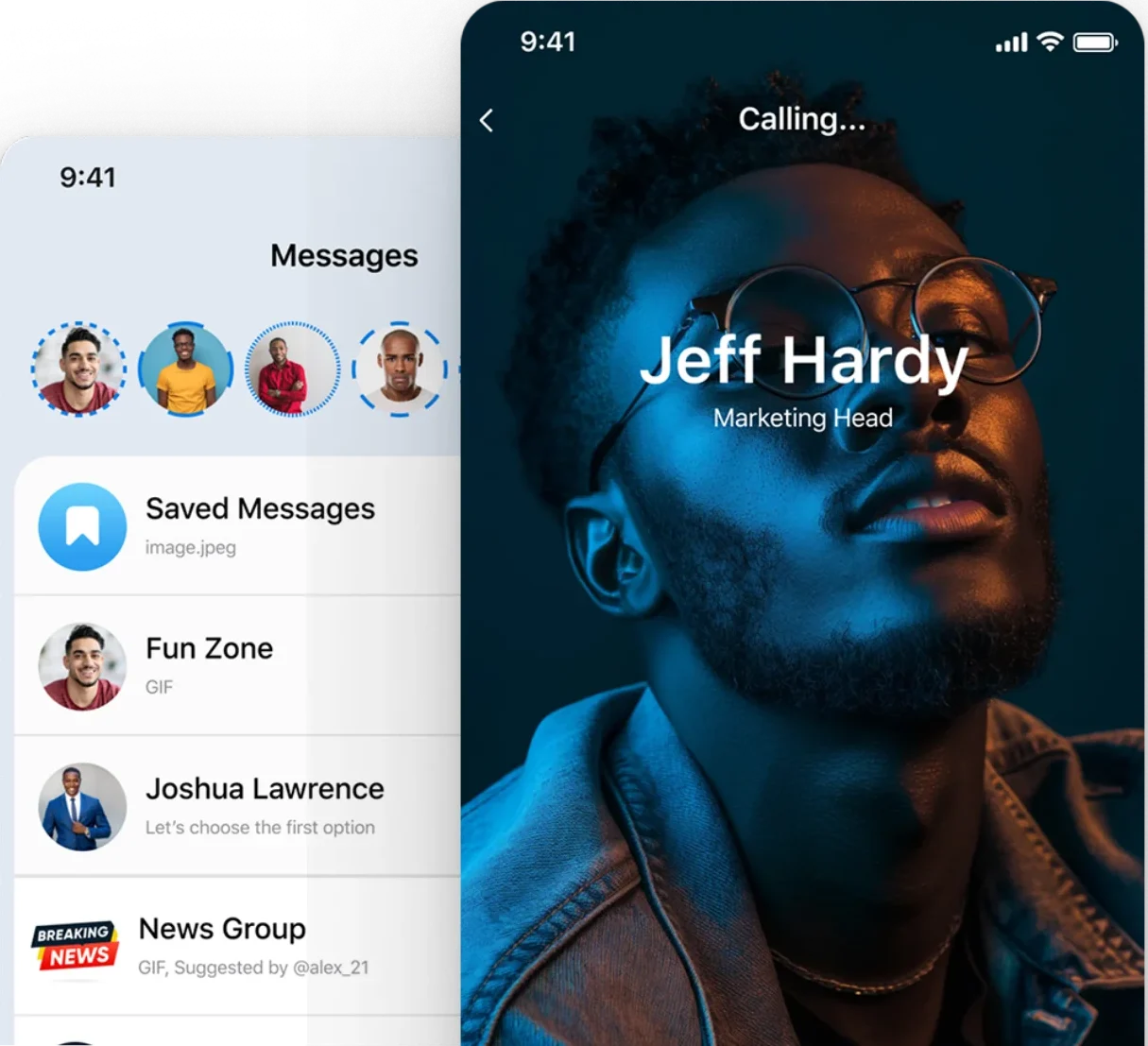
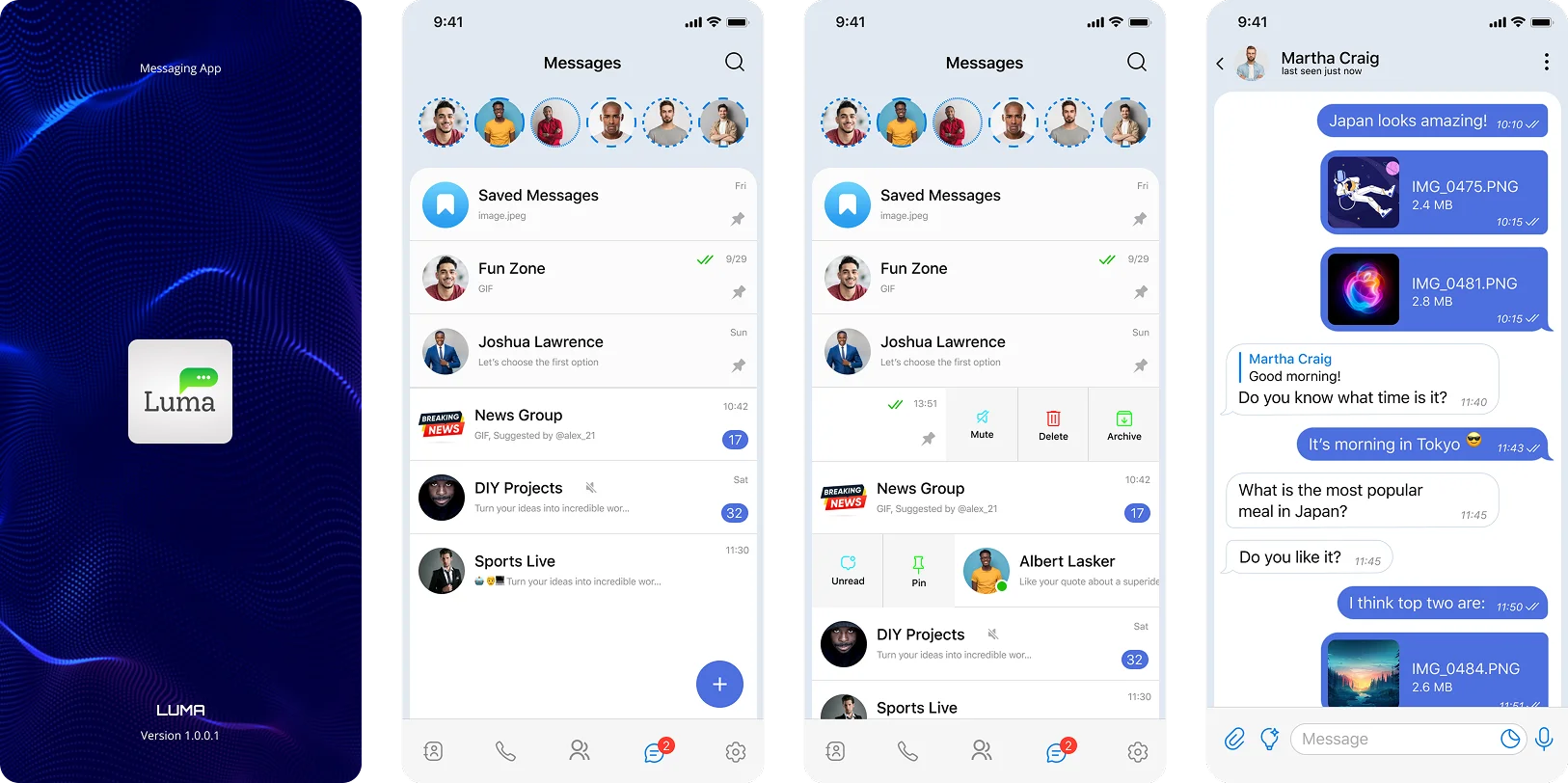
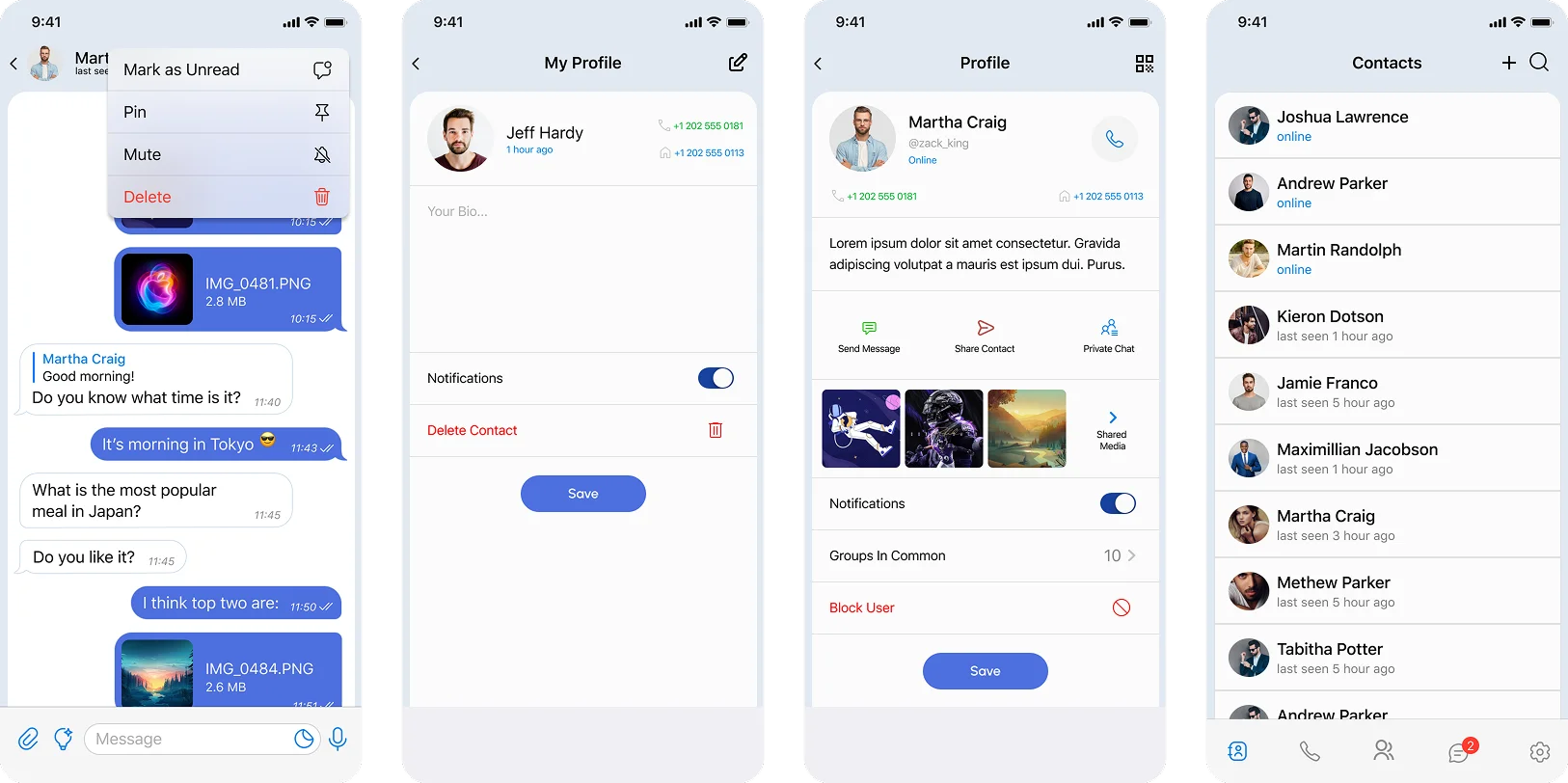
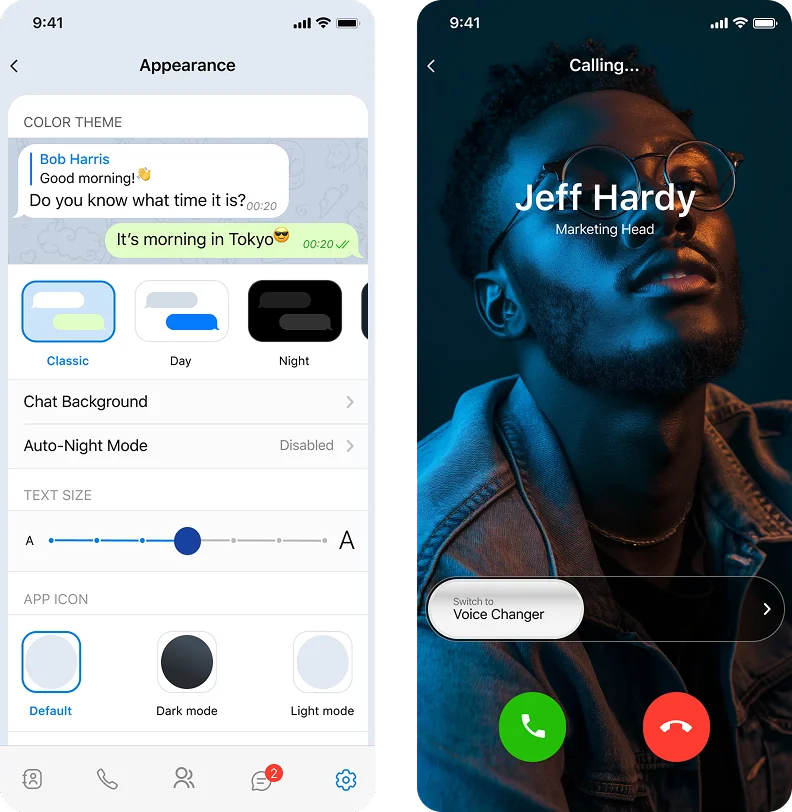
LUMA is a concept mobile messaging app designed to address the growing fragmentation and impersonality of modern communication. The goal was to create a more context-aware, expressive, and privacy-first messaging experience that adapts to how people actually communicate across different situations.
Problem
Modern messaging is broken in subtle but important ways:
Users switch between multiple apps (WhatsApp, Telegram, Discord, etc.) depending on context
Communication often feels transactional and impersonal, lacking emotional nuance
Privacy controls are either hidden, rigid, or inconsistent
Voice messaging exists but lacks control, flexibility, and trust
AI tools are emerging, but they are disconnected from everyday conversations
Key Insight
Messaging is not one experience—it’s a set of contexts:
Private vs public
Emotional vs functional
Synchronous vs asynchronous
Yet most apps treat all communication the same.
Solution
LUMA introduces a messaging experience that is:
Context-aware → adapts to different communication needs
Privacy-first → gives users granular control over conversations
Expressive → supports richer, more human interaction
Intelligent → integrates AI directly into conversations
Product Thesis
Messaging should adapt to people—not force people to adapt to messaging tools.
Core Experience
Instead of treating messaging as a single flow, LUMA is designed around three core modes:
Personal Conversations
Secure, private messaging
Biometric locks for sensitive chats
Disappearing voice messages
Expressive Communication
Voice-first interactions
Temporary, low-pressure messaging
Rich emotional expression beyond text
Community & Broadcast
Channels for broader communication
Lightweight, non-intrusive engagement
Separation from personal conversations
Key Features & Design Thinking
Disappearing Voice Messages
Problem: Voice messages feel permanent and risky to send
Solution: Temporary voice notes that disappear after playback
Why this matters: Encourages more natural, spontaneous communication without long-term pressure
Chat-Level Privacy Controls
Problem: Privacy is often buried in settings and not contextual
Solution: Users can lock individual chats using biometrics
Design Decision
Privacy should be visible, immediate, and contextual, not global
AI-Powered Chat Assistance
Problem: AI tools are separate from communication workflows
Solution: Integrate AI directly into chat for suggestions, summaries, and assistance
Trade-off Considered:
Separate AI assistant vs embedded AI
Chose embedded for lower friction and higher adoption
Unified Messaging Interface
Problem: Switching between features breaks flow
Solution: Combine messaging, actions, and context into a single interface
Impact
Reduced navigation friction
Faster decision-making
More seamless interaction
Key User Flows
Onboarding &
Privacy Setup
User signs up
Chooses privacy preferences early
Introduced to chat-level control
Why: Sets trust from the beginning
Disappearing
Voice Message
Tap voice → record → select “disappear after play”
Receiver listens once → message auto-deletes
Goal: Reduce hesitation in voice communication
What I Missed in V1
Lack of Flexibility for Power Users
I initially designed a structured, linear experience, assuming users would follow a standard flow.
What happened:
Users had different behaviors:
Some wanted quick actions
Others needed deeper control and comparison
Iteration:
Introduced modular layouts
Added customizable views
Enabled faster access to key actions
Underdeveloped Edge Cases
Initial designs didn’t fully account for:
Empty states
Error states
Offline behavior
Fix: Expanded system thinking to include all states Design System Considerations
Built scalable components for chat, voice, and AI interactions
Ensured consistency across mobile patterns
Considered accessibility (contrast, readability, touch targets)
Designed for extensibility as features grow
Insufficient Context Switching Cues
The difference between personal and community spaces wasn’t clear enough.
Fix:
Stronger visual hierarchy
Clear labeling and transitions
Success Metrics
To evaluate success, I would measure:
Engagement: Increase in daily active usage
Adoption: % of users using voice + AI features
Retention: Repeat usage over time
Trust: Usage of privacy features
Efficiency: Reduced time to complete key actions
Outcome
LUMA evolved from a feature-driven concept into a system of experiences that balances:
Simplicity and flexibility
Privacy and usability
Expression and structure
Key Takeaway
Designing for messaging is not about creating a single flow—it’s about designing a dynamic system that adapts to different human contexts.
This project reinforced the importance of:
Balancing structure with flexibility
Designing beyond the “happy path”
Connecting features into a cohesive experience
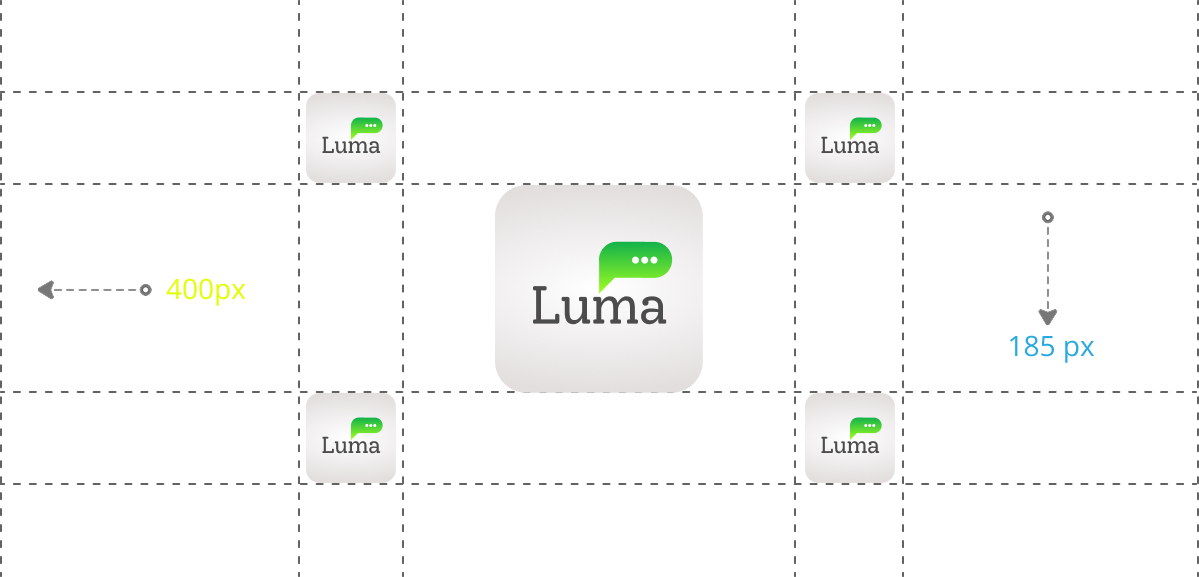
LOGO
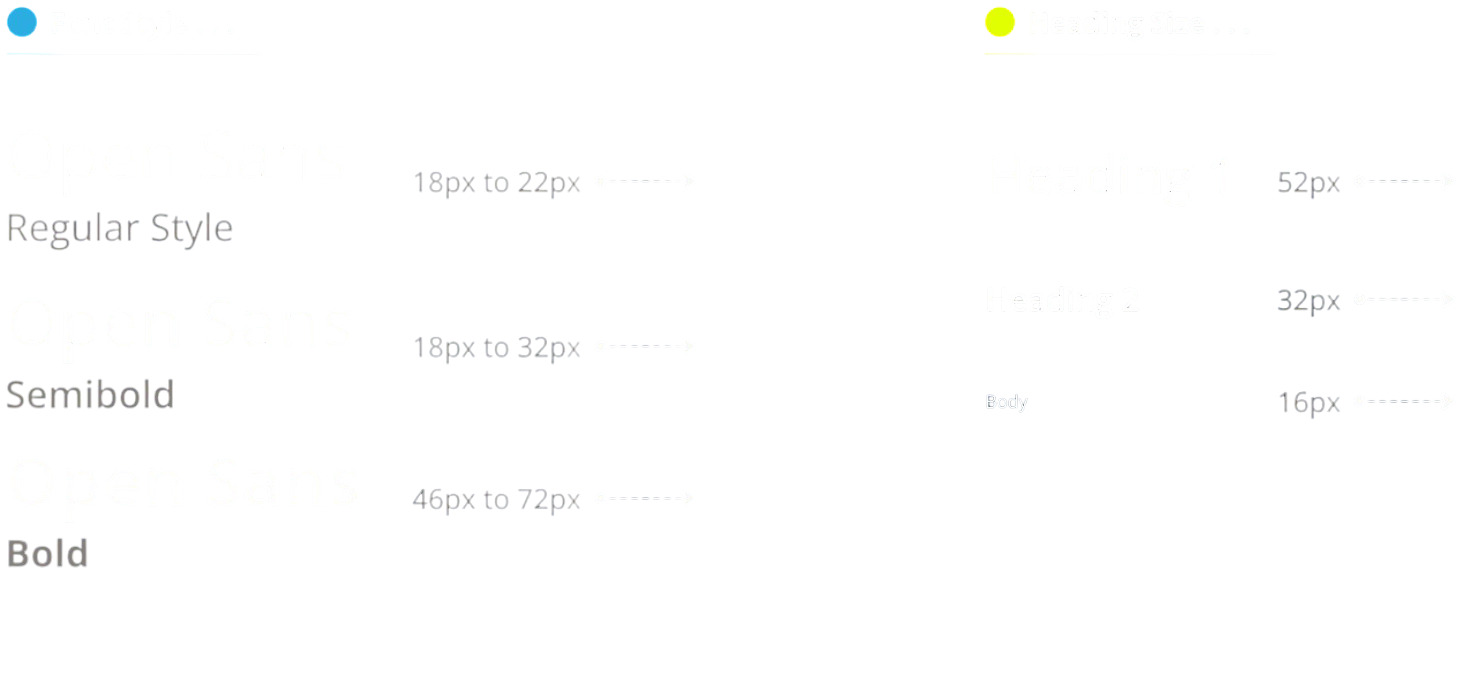
TYPOGRAPHY
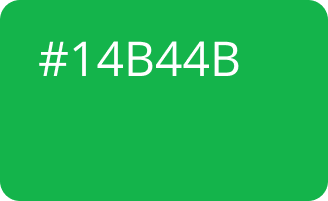
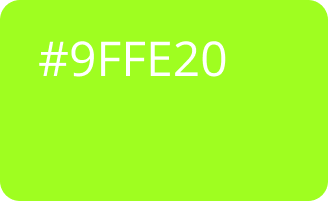
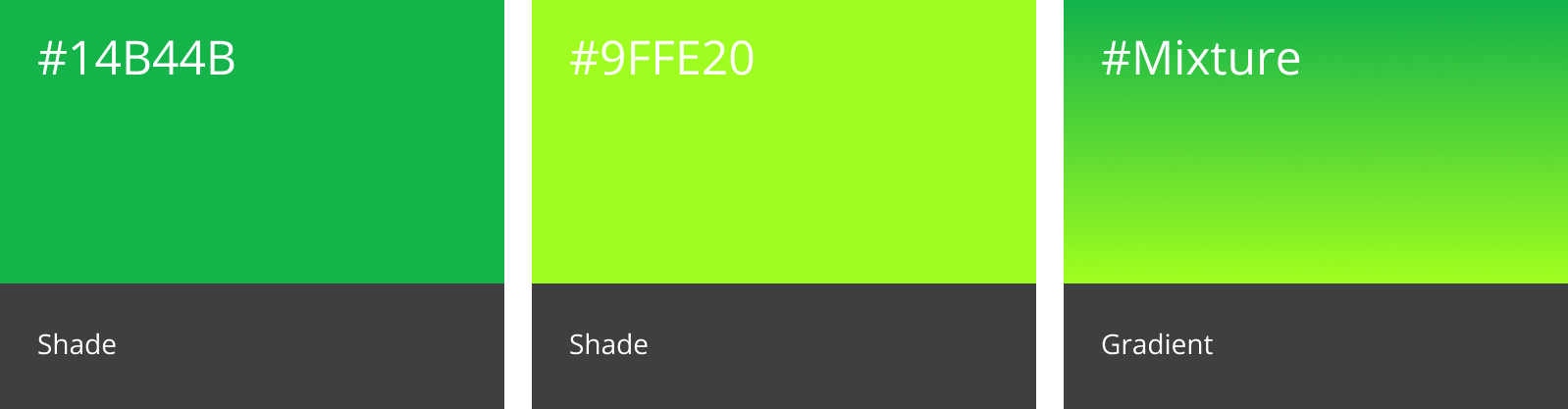
COLORS
Color schemes are logical combinations of colors on the color wheel. The purpose of a color scheme is to create an aesthetic feeling of style and appeal.
ICONOGRAPHY
Iconography, as a branch of art history, studies the identification, description and interpretation of the content of images: the subjects depicted,
the particular compositions and details used to do so, and other elements that are distinct from artistic style.