
About The Project

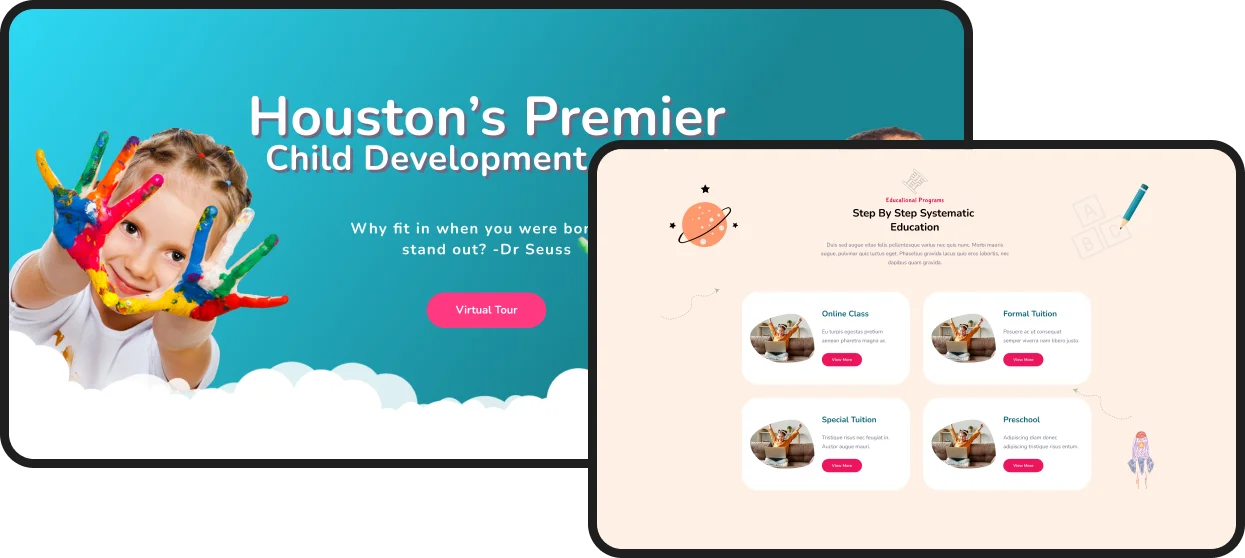
To design a website for a pre school (child development center), Preschool and preschool programs are designed to educate children aged 3 to 5. Preschool usually involves shorter hours than long day care and educates your child through play. Children learn at their own pace. The website design needed to be visually appealing, easy to navigate, and accessible to a wide range of users.
Childcare rl

Project Goal

To create a user-friendly and accessible website with clear and organized layout that makes it easy for users to find the information and create a visually appealing design that reflects the dynamic innovative spirit.
Image

Business Problem

A child development center struggles with high operational costs and fluctuating enrollment, which impacts financial stability. It also faces challenges in retaining qualified educators due to competitive wages and maintaining high-quality, stimulating environments within budget. Efficient parent communication and administrative efficiency are often hampered by manual processes. The core problem is balancing affordable, accessible care with a sustainable, high-quality educational program that meets both child developmental needs and family expectations.
Child care bp

Design Process

The website should serve as the primary source of information for the students and other stakeholders, including the schedule of events, Keynote speaker, and information about the participating teams and their projects.

Research

Group

Discover

Idea

Group

Define

Prototype

Group

Develop

Deliver

Group

Deliver

Frame
Frame

UX Problem

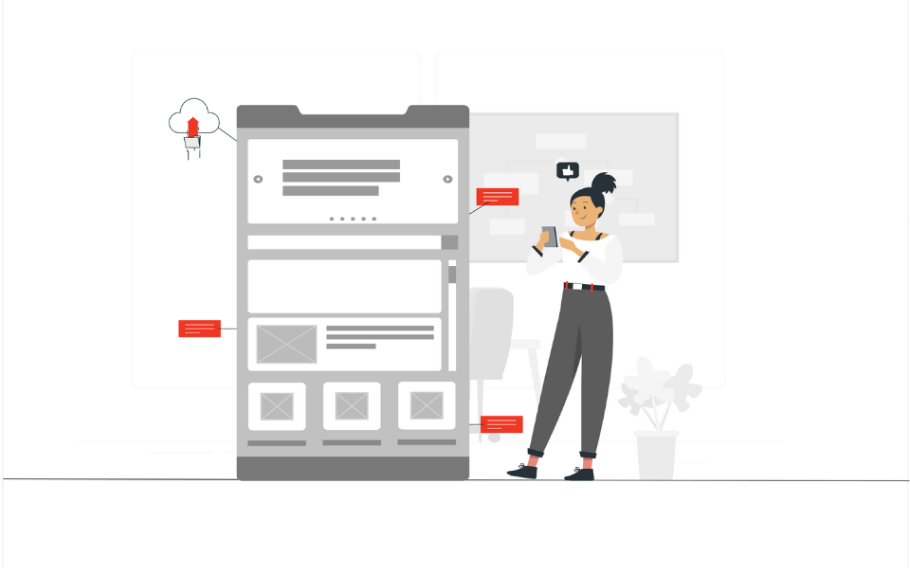
This will help you spot common mistakes like bugs, poor navigation, inconsistency, or broken links, and optimize the user interface where necessary, ensuring all elements are reachable, clickable, and usable.
Ux pro cc
The website that you build is the foundation on which all of your online marketing efforts will depend. It’s why monitoring and maintaining its performance is so important.

Messy Code – This site code is unorganized and messy, It create a variety of issues and it affect how your website is supposed to function and affect the ability of search engines to properly index your site’s content.

Non-Mobile and Responsive Issue – Having a mobile-first website is one of the most common problems with this outdated websites. We need to develop a system in responsive way. It helps to online visitors who can access your site from any device.

Poor Website Health – Some buttons on pages are not working well and it takes a long time to perform action or other crawl errors. These errors impact your website’s health.

Slow Page Load Speed – Google considers page load speed a search ranking factor. That makes page speed optimization so crucial. When a visitor lands on your site, We only have 5 or 6 seconds to impress them. If our website takes longer than 5 seconds to load, they will likely leave your website.

No Consecutive Social Media Engagement – Social awareness, customer interaction, feedback gathering these areas are missing in it.

Ineffective Call to Action – Attractive Call to Action (CTA) is missing in our website but it is an essential web design element. CTA buttons inspire website visitors to engage with you. CTA’s could include sign-up forms for service quotes or an email newsletter, a contact form, appointment scheduling, free downloads, product sample requests, etc. A well-placed CTA button alone will improve your website conversion rate by 15 to 20%.

Outdated Design Elements – This website has unnecessary strokes and html borders. They are not part of the current trend. It is time you got a new website. This is an outdated website, and it is not mobile-friendly, contains invalid HTML code, and is not SEO-friendly.

Content Management System – We strongly recommend you use a Content Management System (CMS) to build and manage your website. That will allow you to update your content and make minor tweaks to your website, all without knowing any code.
Industry UI/UX trends

  • Rounded organic shapes
  • Animated buttons
  • Futuristic colors
  • Light shadows and smooth edges
  • Minimalistic icons
  • Trending Font
  • Clean and sleek design
  • Purposeful spacing
  • Dynamic visual experience
  • Conversational design
  • Seamless experience
  • Emotive interaction design
Image

AI Integration in Preschool Smart Tools for Early Learning

We solve this by embedding intelligent AI tools that personalize, automate, and enhance interaction for parents, teachers, and children—turning your preschool website into an adaptive, supportive, and engaging digital extension of the classroom.

Its a personalized learning hub where parents receive custom activity recommendations based on their child’s age and interests, turning screen time into engaging, educational play.

For teachers and staff, AI automates administrative tasks like enrollment inquiries and FAQ responses, freeing up time to focus on what matters most—the children. It also translate content in real time, bridging language barriers to create an inclusive community for every family.

For preschoolers, interactive AI features like voice-activated stories or simple, friendly chatbots can make the website a joyful and exploratory digital space, fostering early curiosity in a safe, guided environment.
User Flow

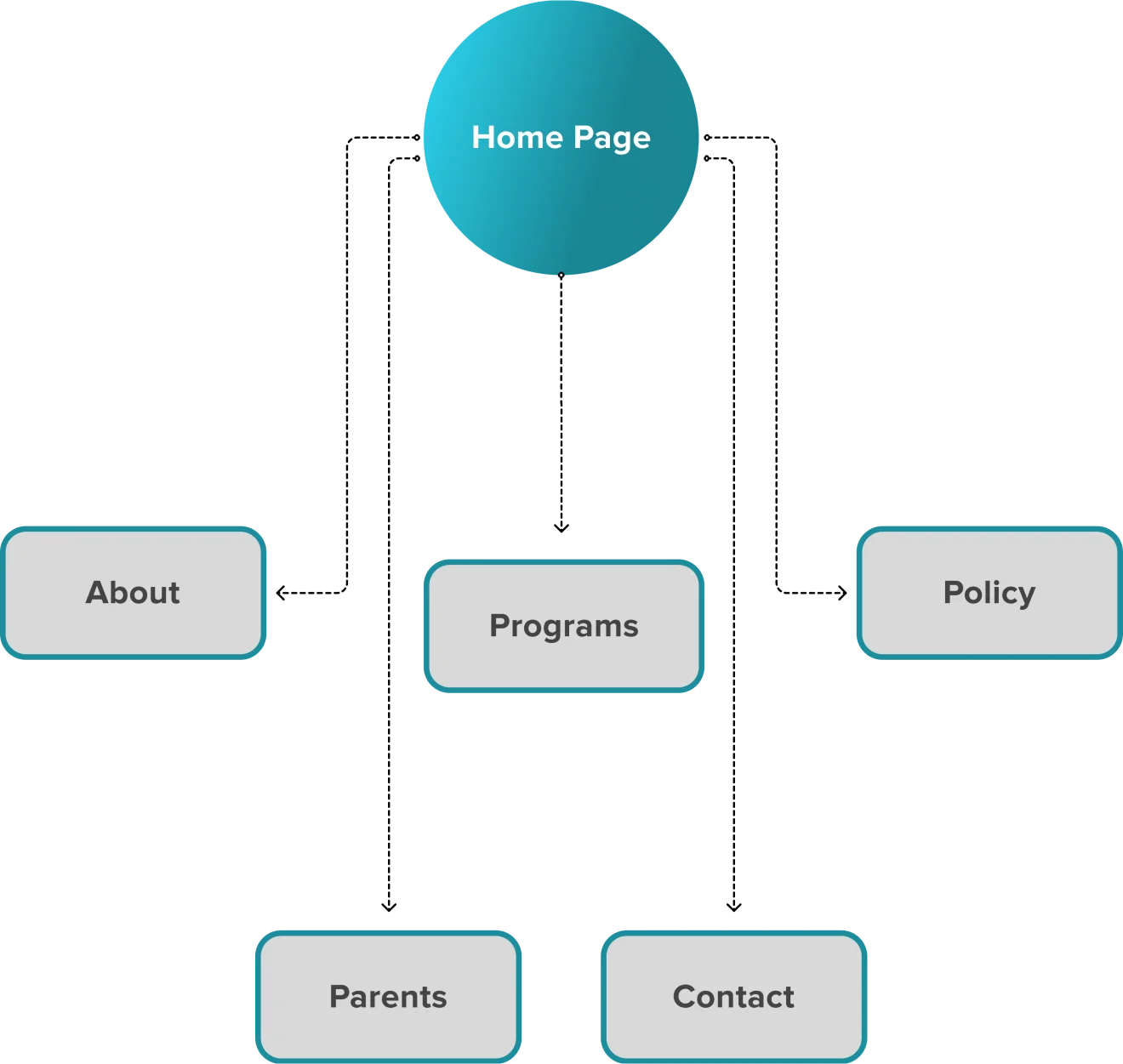
We create it to show you the big picture and understand how users navigate a website or app. User flows are typically shown using diagrams, wireframes, prototypes, flowcharts, and other tools.
Uf cc

User Scenario

Your child continues to play with his toy, even after you know you have his attention and you give a simple and specific direction.
Group

Typography

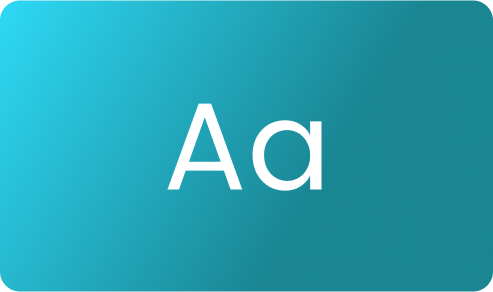
Nunito is a well balanced sans serif typeface superfamily, with 2 versions: The project began with Nunito, created by Vernon Adams as a rounded terminal sans serif for display typography. Jacques Le Bailly extended it to a full set of weights, and an accompanying regular non-rounded terminal version, Nunito Sans.

Nunito Regular
Nunito Semibold
Nunito Bold
Frame
Frame

Colors

Group
Group
Group
Group
Group

Current Trends

Smart Content Load for a More Enjoyable User Experience
Group
Group

Existing Screen

No matter what your company size or industry is, though, it’s crucial that you take a strategic approach to your website redesign. Know what isn’t working, what does currently work, and what goals you wish to achieve.
Childcare es

New Screen

User Interface (UI) Design focuses on anticipating what users might need to do and ensuring that the interface has elements that are easy to access, understand, and use to facilitate those actions. UI brings together concepts from interaction design, visual design, and information architecture.
Group
Childhood homepage
Cc our programs
Cc articles

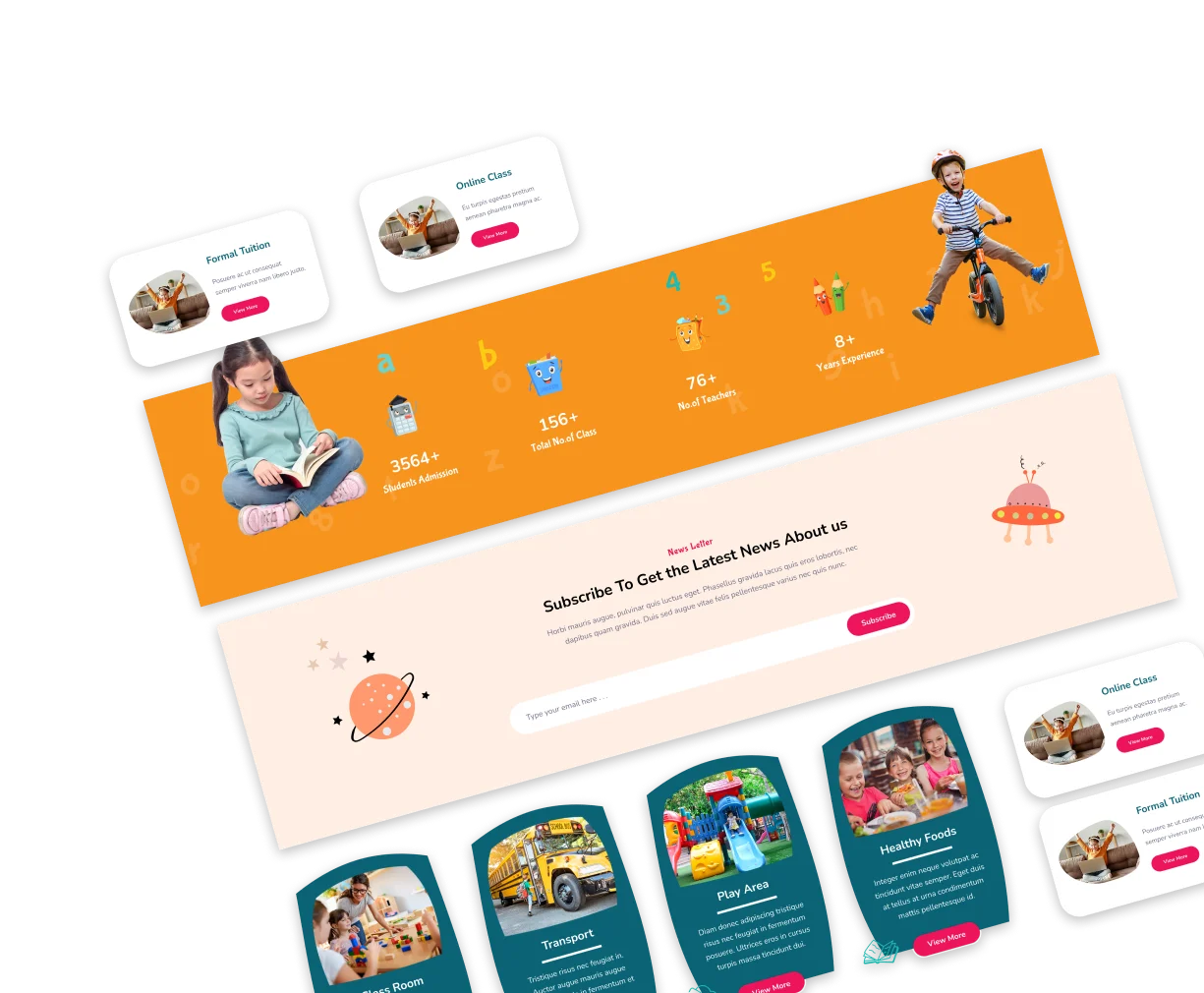
We use primary colors with a modern mix of red and blue, plus all-new photography. We utilized new Sharpe images of professionals, combined with Poppins typography against simple white space.

Visual Elements

User Interface (UI) Design focuses on anticipating what users might need to do and ensuring that the interface has elements that are easy to access, understand, and use to facilitate those actions. UI brings together concepts from interaction design, visual design, and information architecture.

Headings

Group
Childcare ve