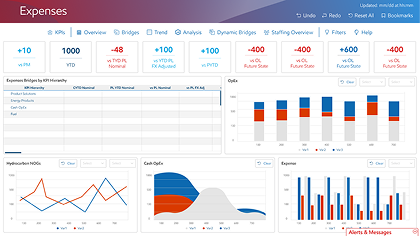


Data Visualization Tracker System
ExxonMobil
Energy

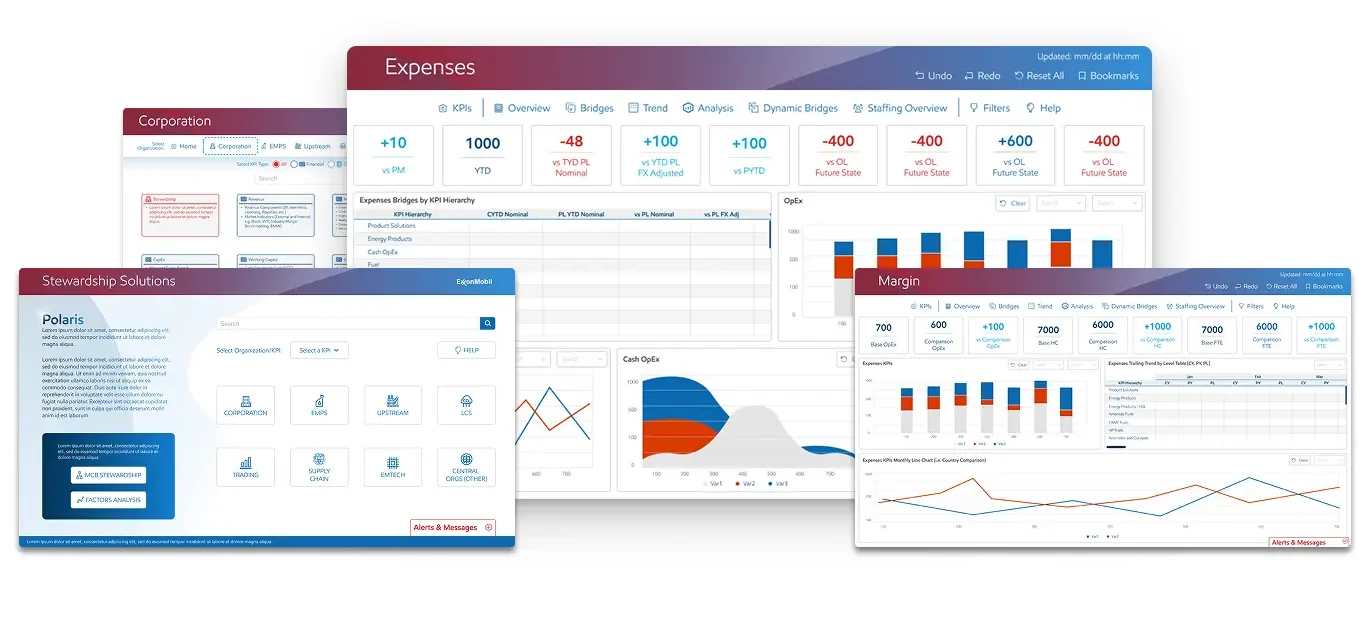
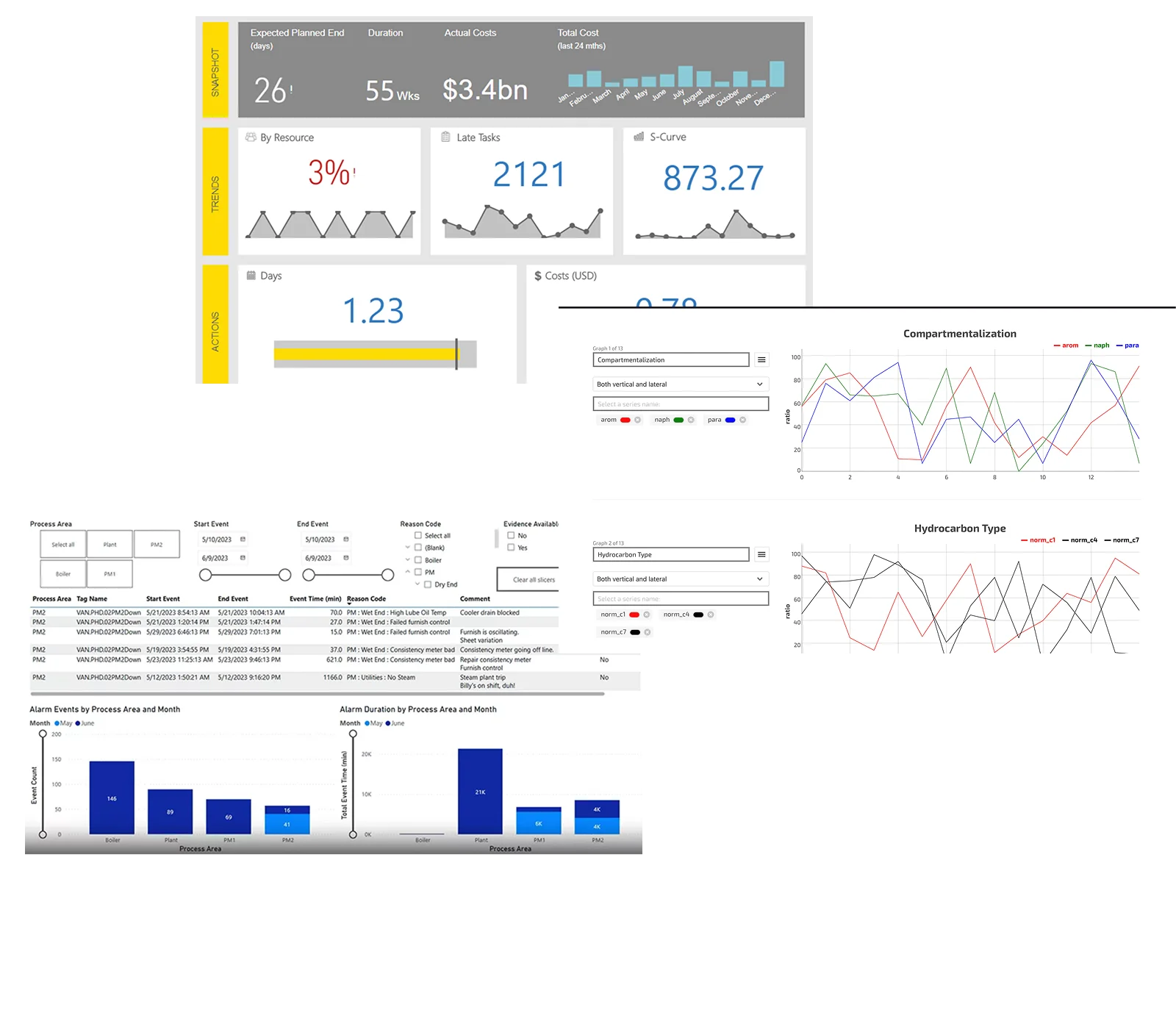
ExxonMobil's 20 dashboards likely face challenges in data management, visualization, and decision-making, and causing inefficiency and poor communication across the corporation.

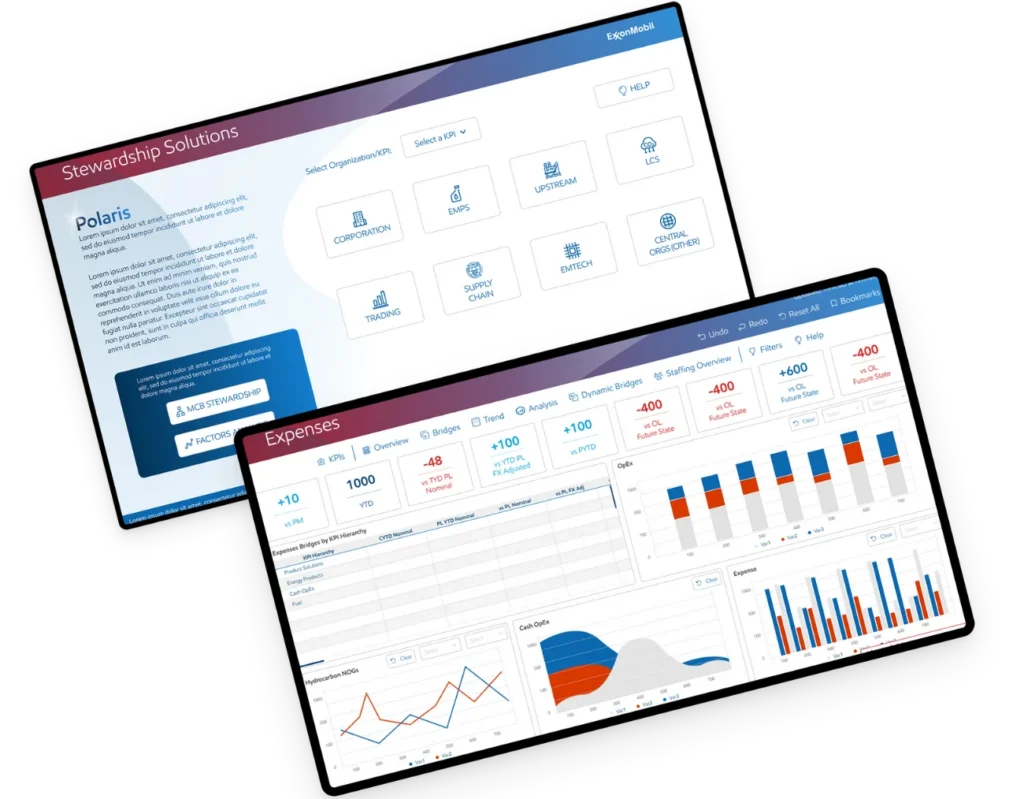
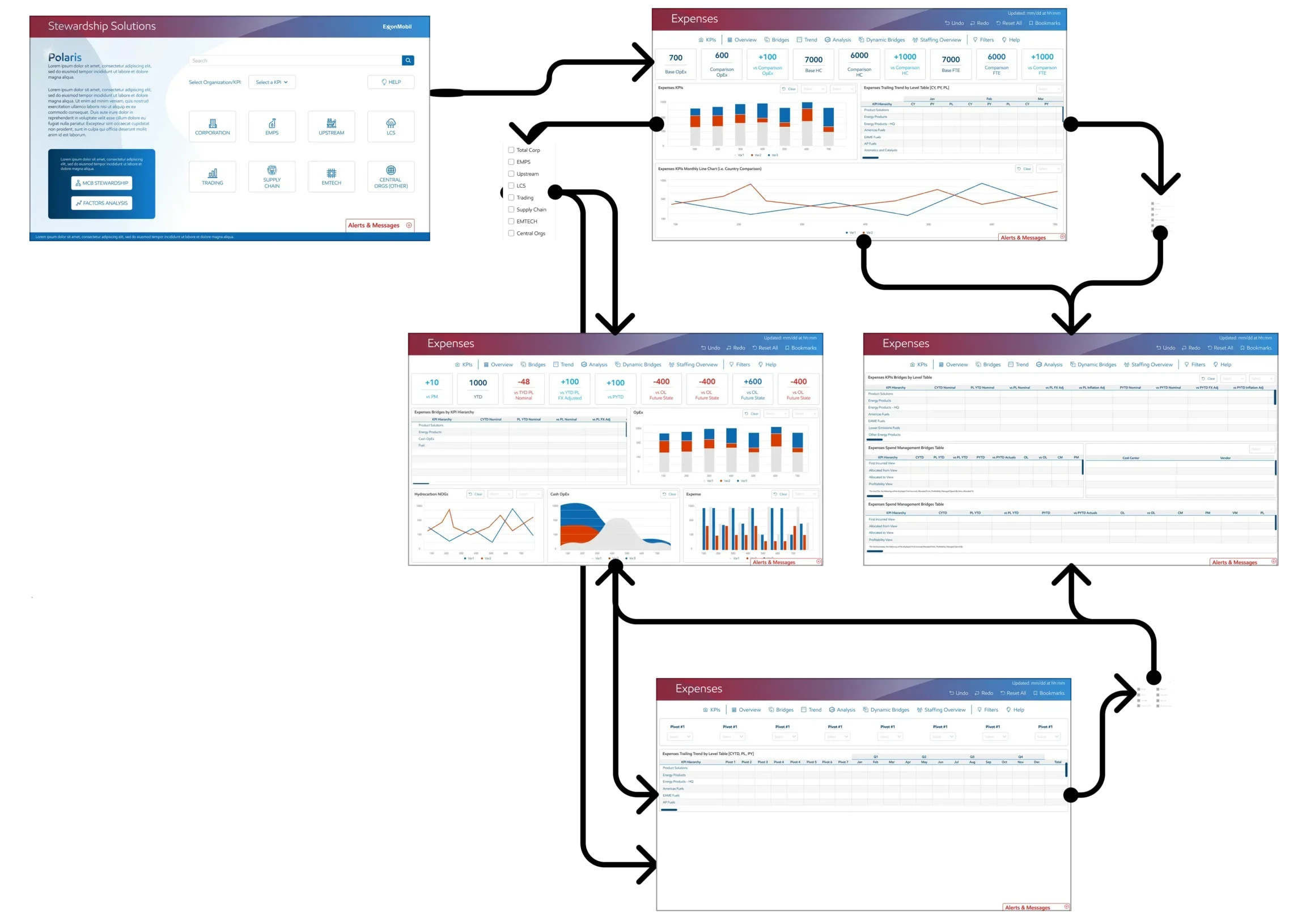
A single home for all GBS planning, stewardship, and analytical dashboard needs. Cuts down on data manipulation, data governance issues, and business not talking the same language. Customers can spend more time getting value out of the data then “working” it.

Design a user-friendly, data-driven dashboard to improve operational efficiency, safety, and decision-making for ExxonMobil.

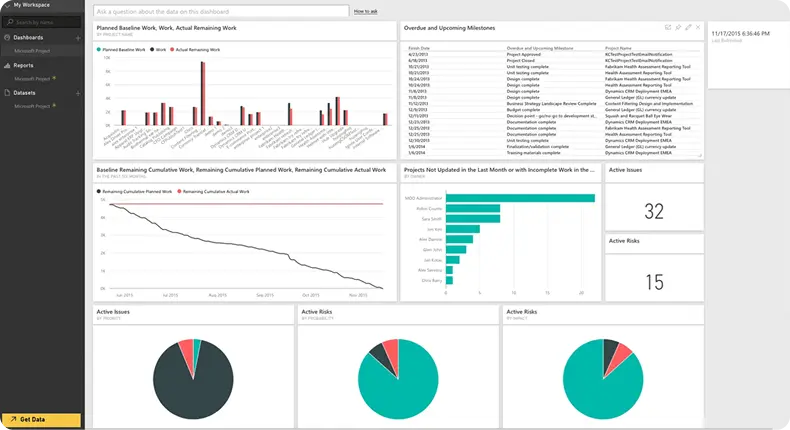
The current system fails to meet diverse user needs due to a lack of role-specific customization and contextual insights. It lacks real-time data integration, and suffers from poor data visualization.
Additionally, limited accessibility across devices disrupts seamless access to critical information, reducing productivity and user satisfaction.
I studied the oil and gas industry to understand its unique challenges, such as handling large datasets, real-time monitoring, and safety compliance.
I summarize the main requirements, such as real-time data visualization, predictive analytics, or integration with IoT devices.
I gathered insights from users (e.g., interviews, surveys, or observation) to identify pain points, such as difficulty in interpreting complex data or the need for quick access to critical metrics.


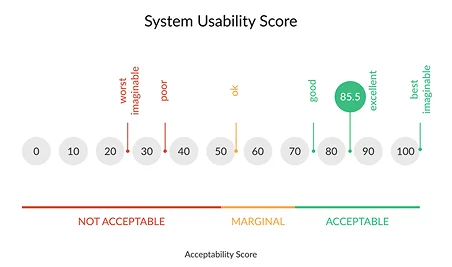
Questionnaire that offers a quick, cost-effective yet accurate way to evaluate the usability of a website.
Testers: Users
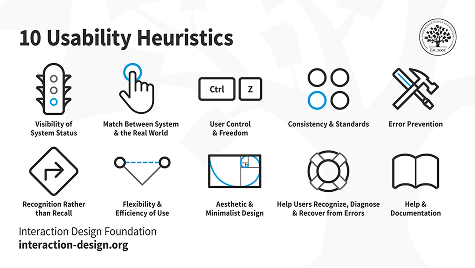
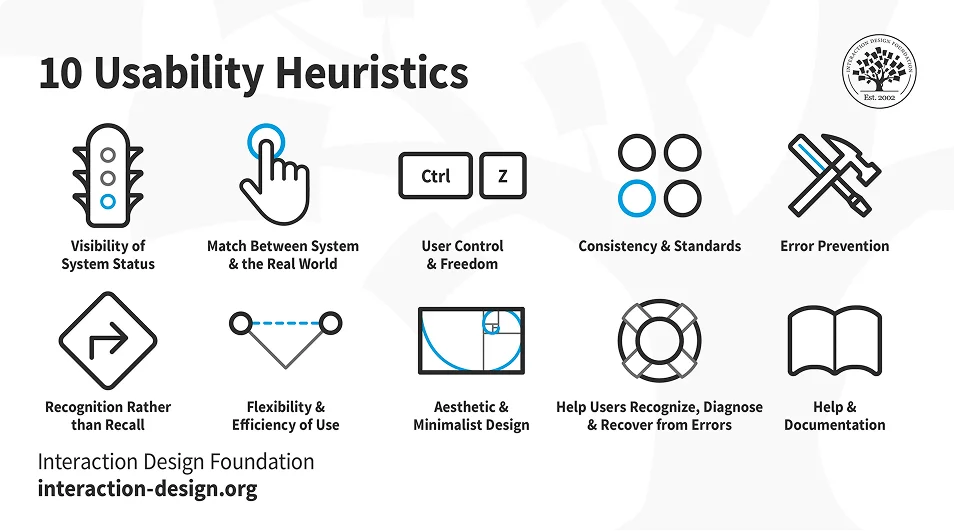
A process where experts use rules of thumb to measure the usability of user interfaces in independent walkthroughs and report issues.
Testers: UX

This enables the interviewer to react to the participants' statements in a flexible way, in order to learn as much as possible about their experience.
Testers: Users
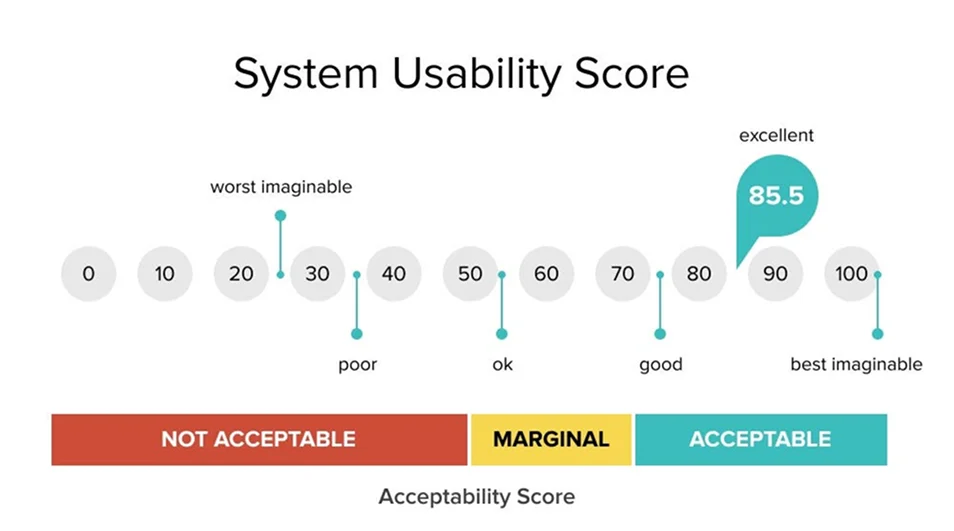
10-Question questionnaire that offers a quick, cost-effective yet accurate way to evaluate the usability of a website.
Testers: 1 user/session
Duration: 10 mins
Test category: completion of a survey form
What Was Done
Analysis
A method to identify usability issues in a user interface by evaluating its compliance with recognized usability principles (heuristics). Conducted by a small set of UX evaluators, it helps prioritize improvements in an iterative design process.
Testers: UX
Test category: evaluation from 10 aspects
An open discussion within a defined topic. This enables the interviewer to react to the participants’ statements in a flexible way, in order to learn as much as possible about their experience.
Tester: 2 tester / session
Duration: 30 – 60 min
Test category: task-based, open-discussion, User observation
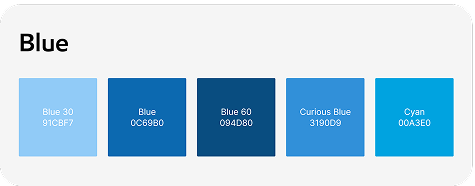
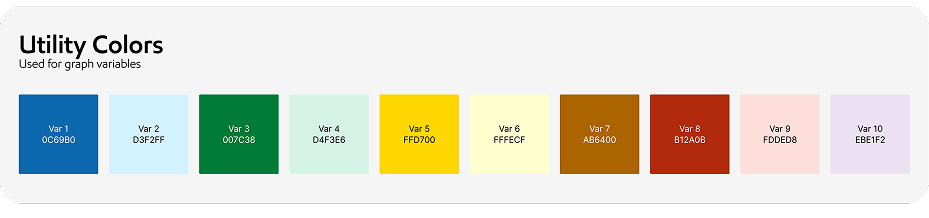
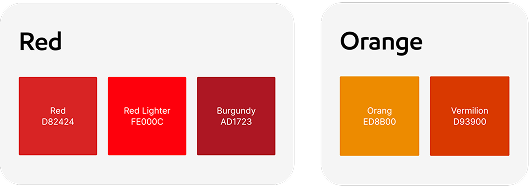
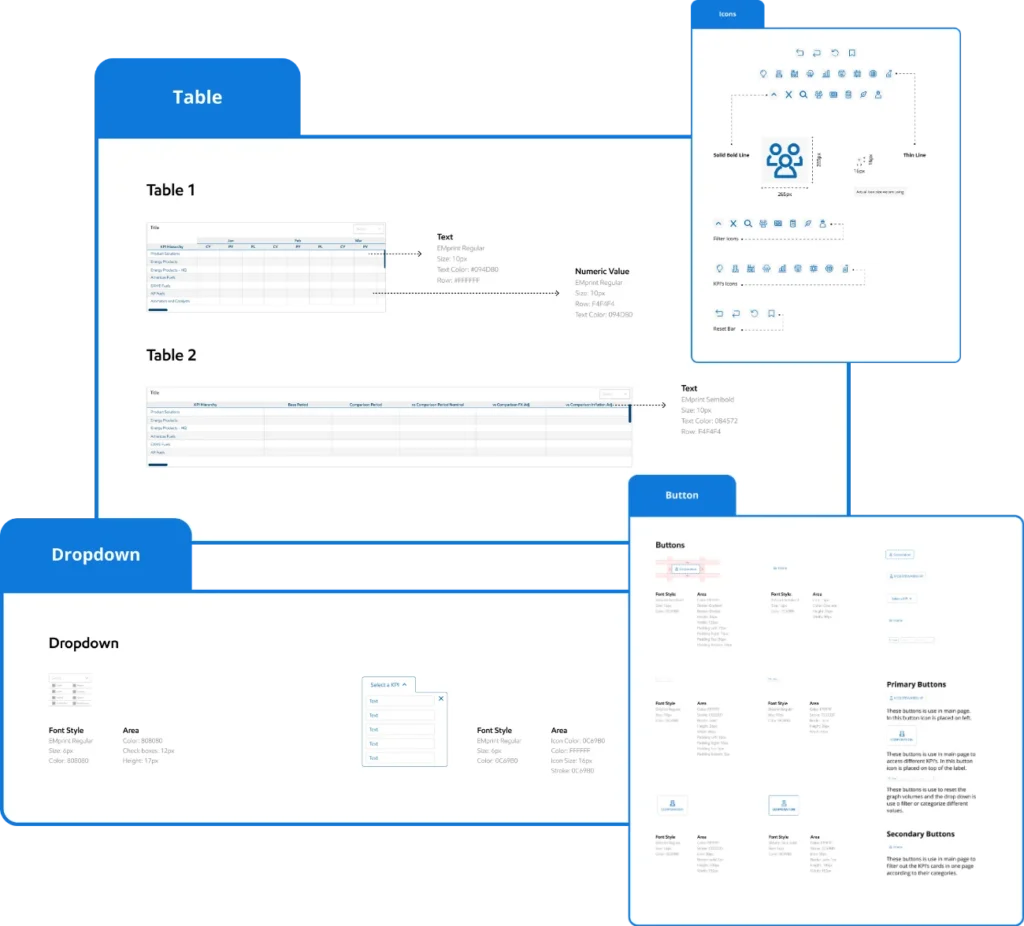
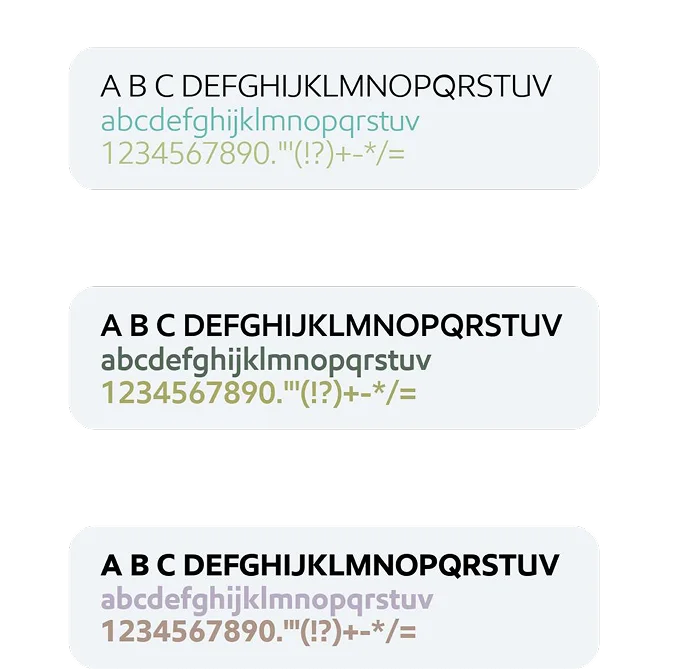
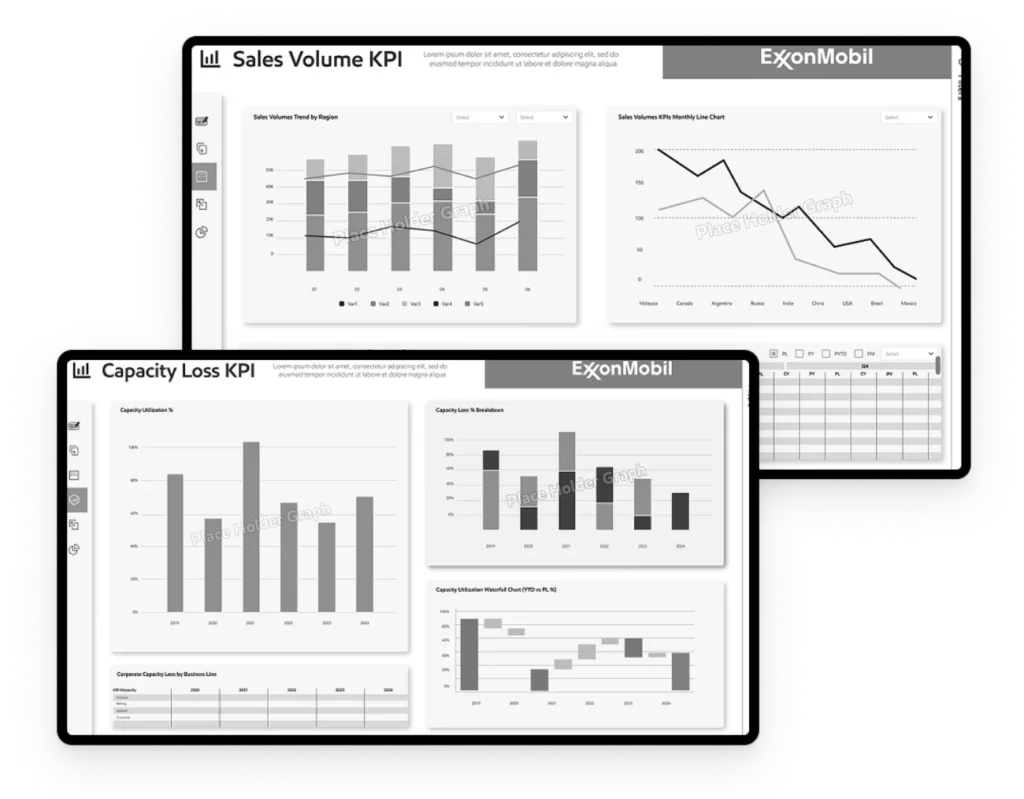
I create a design system for Exxon dashboards to ensure consistency, usability, and scalability. This system includes role-based templates, intuitive navigation, and responsive layouts to cater to diverse user needs.
I aim to enhance decision-making and user satisfaction. The design system also prioritizes accessibility, ensuring seamless performance across devices while maintaining a cohesive and user-friendly experience.
I prioritized simplicity and ease of use, even for non-technical users.
I ensured the design is accessible to all users, including those with visual impairments (e.g., high-contrast mode, screen reader compatibility).
I conducted usability testing with real users to validate the design.
I get incorporated feedback to refine the design, such as improving navigation or adjusting the layout for better readability.
I summarize the dashboard improves efficiency, decision-making, or safety for users in the oil and gas industry.
We adding latest trends to improve user experience more effective, user-friendly, and aligned with the industry’s evolving needs.


The impact of the design was a significant improvement in user satisfaction and efficiency, as role-based dashboards and real-time data integration streamlined workflows for the design team, developer team, and business users.
Working on the Polaris dashboards was a valuable and rewarding experience. It allowed me to deeply understand how effective data visualization and intuitive user interfaces can transform complex operational data into meaningful insights.